How to Get More Reviews on Google Maps
The best way to get more Google reviews is not to pressure customers. Make it easy for real customers to leave honest feedback, ask at a sensible moment, and respond to the reviews you receive.
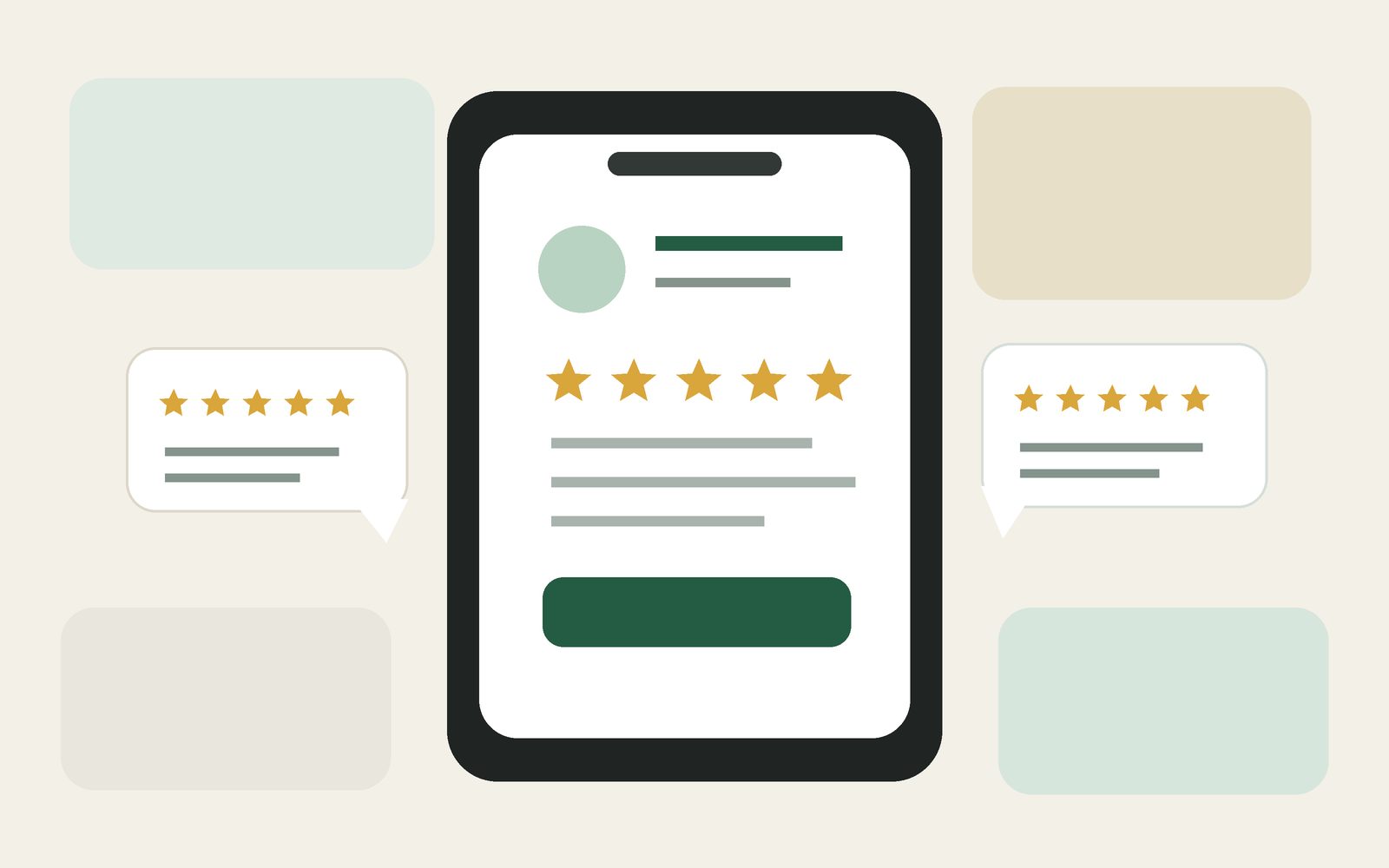
Google reviews are visible next to Business Profiles in Google Maps and Search. They help potential customers learn from people who have already dealt with the business. Google also says that more reviews and positive ratings can help a business’s local ranking, although local results depend on several factors and no business can simply pay for a better position.
The practical question is how to encourage more customers to leave reviews without making the process awkward or breaking Google’s rules.
Make leaving a review easy
A customer is much more likely to leave a review if they do not have to search for your business, find the review section, and work out where to click. Google lets businesses create a direct review link and a QR code for their Business Profile.
Google’s current instructions say you can go to your Business Profile, select Read reviews, then Get more reviews. From there you can copy the review link or use the QR code. Google notes that the QR code can currently be generated from a computer browser, not from a mobile device.
Once you have the link, put it where customers naturally see it after doing business with you.
- Add the review link to a thank-you email.
- Send it in a follow-up message after a completed service.
- Include it at the end of a customer chat.
- Add it to a digital receipt or printed receipt when appropriate.
- Display the QR code at your counter, reception desk, or checkout area.
Ask at the right moment
The timing of the request matters. A review request makes the most sense when the customer has actually completed an interaction with your business and can describe a genuine experience.
A restaurant might ask after the meal. A salon might include the link in an appointment follow-up. A repair shop might ask after the customer collects the vehicle. A cleaner or tradesperson might ask once the work is complete.
Keep the wording neutral. You can ask for an honest review or feedback about the experience. Do not tell customers what rating to give or what to write.
Do not offer rewards for reviews
This is one of the most important rules. Google says reviews must reflect a genuine experience. Offering free products, discounts, payment, or other incentives in exchange for a review is prohibited. The same applies to offering something in exchange for changing or removing a negative review.
Google also prohibits selectively asking only customers you expect to give a positive review while discouraging negative feedback. The goal should be genuine customer feedback, not a manufactured rating.
Avoid practices such as:
- “Leave us a five-star review and get 10% off.”
- Giving staff targets that pressure them to collect a certain number of reviews.
- Asking customers to mention a specific employee or phrase.
- Only sending the review link to customers who say they are very happy.
- Asking friends, family, employees, or people without a genuine customer experience to review the business.
Reply to the reviews you receive
Getting the review is only part of the process. Google recommends replying to customer reviews because it shows that you value feedback. A useful reply can be short. Thank the customer, respond to the point they made, and keep the tone professional.
Negative reviews also deserve attention. Do not argue in public. If there is a real problem, acknowledge it and offer a reasonable way to continue the conversation. A calm response can be useful to the reviewer and to future customers who read the exchange.
Use your website to support customer trust
Reviews answer one question: what was another customer’s experience? Your website answers different questions, such as what you offer, where you are, when you are open, and how to contact or book with you.
When both are easy to find, a potential customer can move from your Google Business Profile to your website and get a fuller picture of the business. Make sure your website link is present on your profile and that the information on both is current.
Give Google visitors a clear next step.
Simple Business Website gives your business one clear page for services, photos, opening hours, contact details, and the links customers need.
Create your website →Build a simple review routine
You do not need a complicated review campaign. A small routine that happens after genuine customer interactions is easier to maintain.
- Create your official Google review link.
- Decide one or two natural moments when you will ask for feedback.
- Write one short, neutral review request that your team can use.
- Put the link in the message, receipt, or follow-up you already send.
- Display the QR code if customers regularly visit your location.
- Check new reviews and reply regularly.
- Never offer incentives or try to control the rating or wording.
You can also pay attention to repeated comments. If several reviews mention the same positive thing, that may tell you what customers value most. If several reviews mention the same problem, that can be a useful signal that something in the customer experience needs attention.
Quick checklist
- Your Business Profile is claimed and accessible.
- You created the official Google review link.
- You use a QR code where it makes sense.
- You ask only people with a genuine experience.
- Your request asks for honest feedback, not a specific rating.
- You do not offer discounts, gifts, or payment for reviews.
- You do not selectively ask only happy customers.
- You reply to reviews in a professional way.
- Your website and Business Profile both show current business information.
More reviews usually come from making the request normal and easy. Give real customers a direct path to leave honest feedback, follow Google’s policies, and keep delivering an experience that people are comfortable talking about.