Turn Your Google Maps Listing Into a Business Website in 5 Minutes
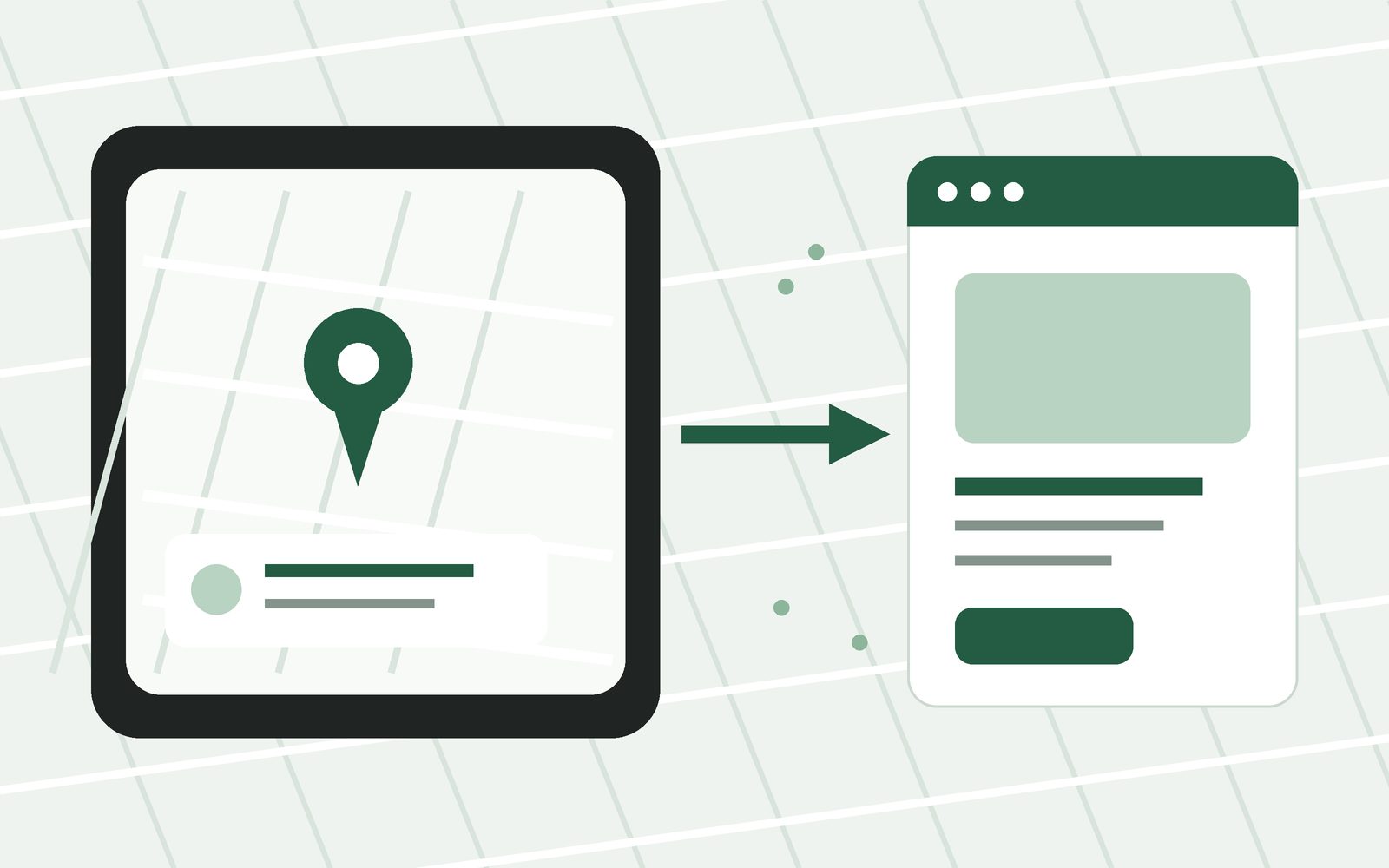
If your business is already on Google Maps, much of the information you need for a website may already exist. Simple Business Website can help you use that information as a starting point instead of typing everything again.
Creating a website can sound like a project. You may imagine writing pages of text, choosing a template, arranging sections, uploading every photo, and spending hours deciding how everything should look. For many local businesses, that is more work than the website actually needs.
If your business already appears on Google Maps, you have a useful head start. Your Google Business Profile may already contain details such as your business name, category, address, phone number, opening hours, photos, and other public information. Those are also some of the most important things customers expect to see on a simple business website.
Start with information you already have
The easiest website is often the one you do not have to build from an empty page. Instead of starting with a blank form, you can begin with information that already represents your business online.
Simple Business Website includes a Google import option designed for this. You can start it from the website builder. You do not need an account to begin: fill in your details first, and create your free account at the end to put the site online.
The idea is simple: use your existing Google Maps business information as the starting point, review it, add anything that is missing, and publish a simple website without rebuilding your business information from scratch.
What information can become part of your website?
A useful local business website does not need a large amount of content. It mainly needs to answer the questions a customer has before calling, booking, ordering, or visiting.
- Your business name.
- A short description of what you do.
- Your address or service area.
- Your opening hours.
- Your phone number and contact details.
- Photos of your business, work, products, food, or location.
- Your main services or products.
- Links to booking, ordering, social media, or other useful pages.
Some of this may already be available from your Google Maps listing. Other details may need to be added or adjusted before publishing. The important part is that you are reviewing an existing starting point instead of facing a blank website editor.
Why turn a Google Maps listing into a website?
Google Maps and a website do different jobs. Google Maps is useful for discovery. A customer can find your location, see your hours, check reviews, browse photos, and get directions. Your website gives you more space to explain the business in your own order.
A restaurant can put its menu and reservation link in a clear place. A salon can explain services and link to appointment booking. An auto repair shop can list the types of repairs it handles and make the phone number easy to find. A local store can show opening hours, contact details, photos, and important information without asking customers to search through several platforms.
Google also allows eligible businesses to include a website link on their Business Profile. That means someone can discover you in Google Search or Maps and then continue to your website for more information.
A five-minute website should still be checked carefully
Fast does not mean careless. Imported information can save time, but you should still read everything before publishing. Business information changes. Opening hours can be outdated. Phone numbers can change. A description may need to be clearer. A photo that works well on Google Maps may not be the first photo you want on your website.
Before publishing, check the basics:
- Confirm your business name is written correctly.
- Check your address, phone number, and opening hours.
- Make sure the description clearly says what the business does.
- Keep only photos that represent the business well.
- Add important services, products, booking links, or social links if they are missing.
- Choose a color that fits your business.
- Preview the website on a phone and make sure the main actions are easy to find.
The website does not need to replace Google Maps
There is no reason to choose between a Google Business Profile and a website. They work better as two parts of the same customer journey. Google can help a customer find you. Your website can help that customer understand you and decide what to do next.
After your website is live, add its URL to your Google Business Profile. If you need the steps, read How to Add Your Website to Google Business Profile.
Create your website from your business information.
Simple Business Website is built for small businesses that want a clear website without turning website creation into a long project.
Create your website →Keep the website useful after it is published
A simple website is easy to maintain because there is less to manage. You do not need to redesign it every month. Update it when something meaningful changes.
- Change opening hours when your schedule changes.
- Replace old contact details immediately.
- Add better photos when you have them.
- Update services if you stop offering something or add something new.
- Check booking and social links occasionally.
- Keep the same core business information consistent with your Google Business Profile.
Quick checklist
- Your business already appears on Google Maps.
- You have opened the Simple Business Website Google import option.
- You reviewed every imported detail before publishing.
- Your website clearly explains what the business does.
- Your contact details and opening hours are current.
- Your main customer action is obvious.
- Your website works well on a mobile phone.
- You added the finished website URL to your Google Business Profile.
If your business information is already on Google Maps, creating a website does not have to begin with an empty page. Use what you already have, check it carefully, add the missing pieces, and put a simple website online.